
Site Robotics

Automated Inspections and Site Intelligence

How Our Robots Work

From a defined task to useful site information

We configure where the robot operates, what it checks and the information your team needs. Autonomous navigation and sensing collect observations for inspection, monitoring and physical verification.
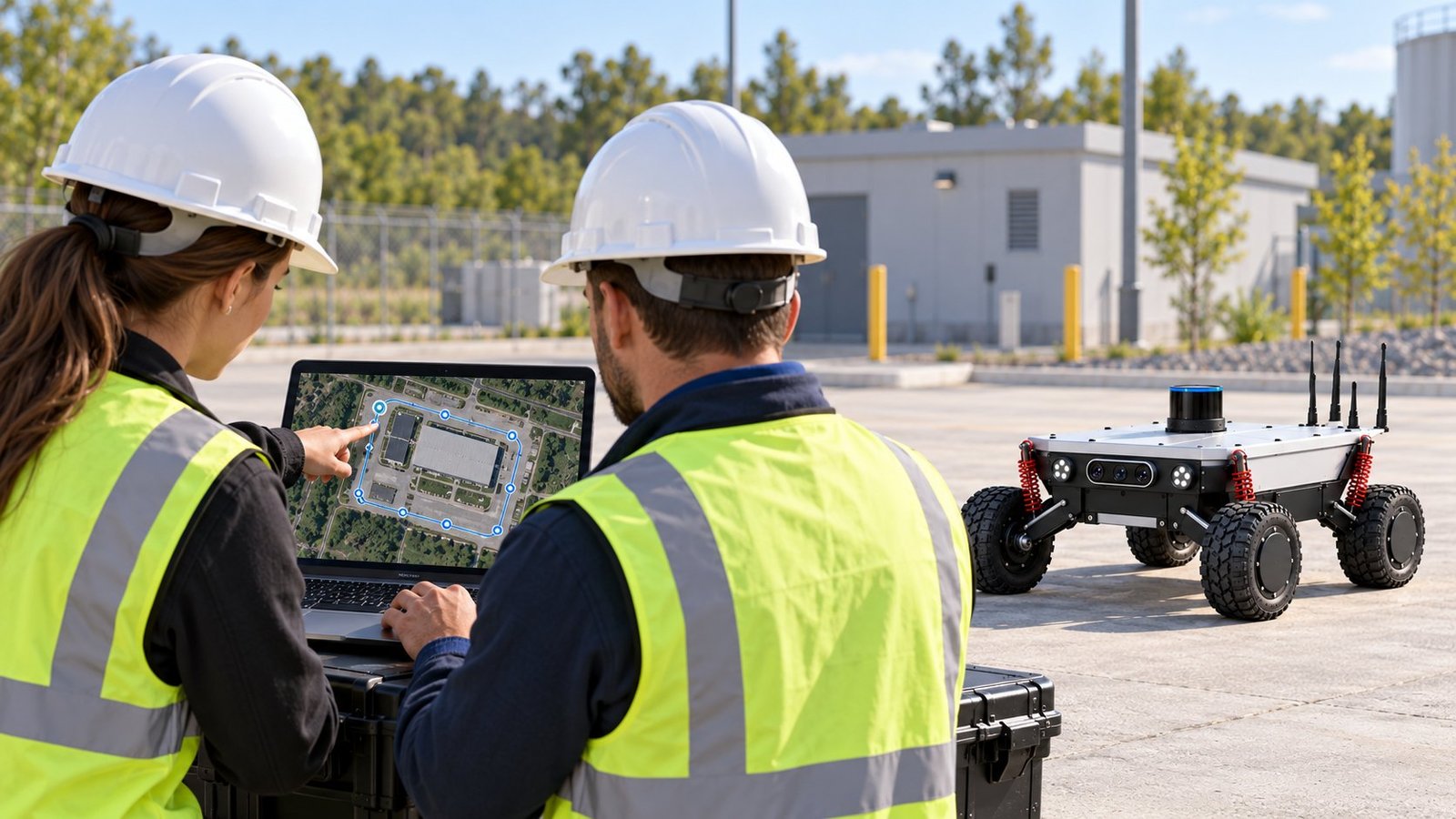
Two engineers in hard hats review a route with marked points on a laptop map, with the SITE Robotics vehicle waiting nearby on site.
Illustrative scene

The process

Every mission starts with a clear purpose
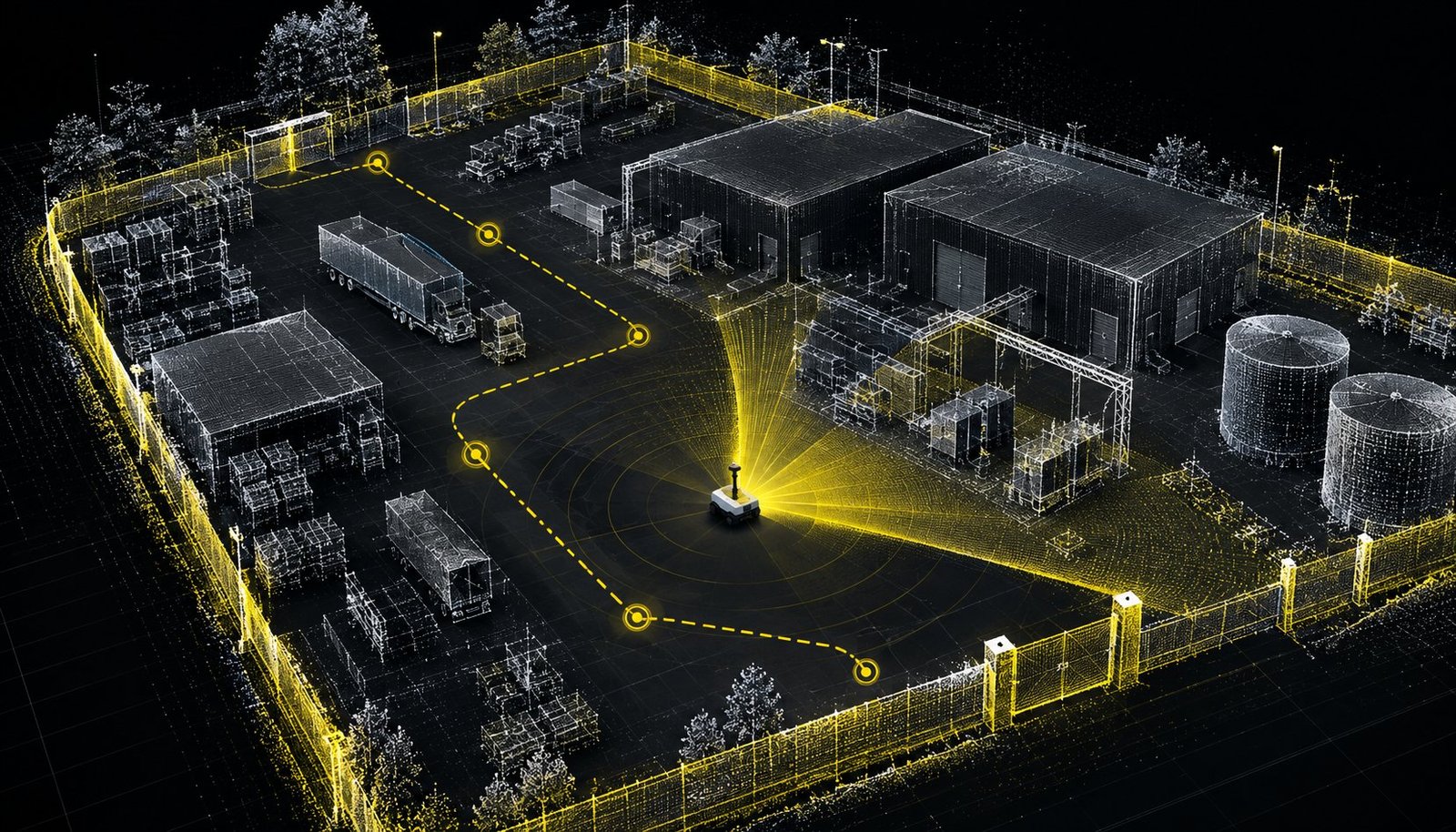
Illustrative visualisation: a point-based map of a fenced site showing buildings, storage tanks, parked vehicles and a dashed route with inspection points.
Illustrative visualisation

Stage 01 of 04

Map the Site

Define operating areas, approved routes and access constraints.
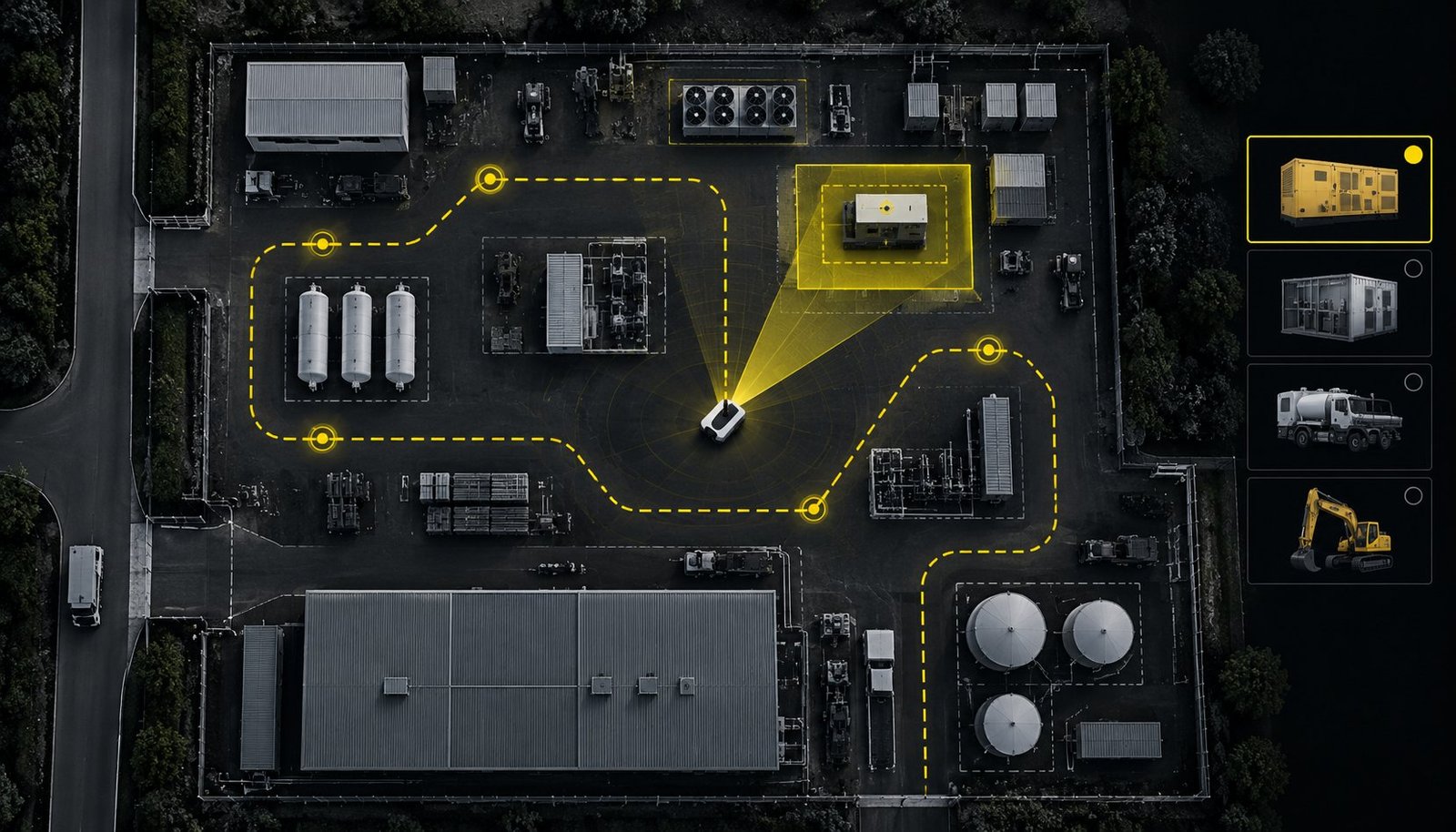
Illustrative visualisation: an aerial site plan with a dashed route and inspection points, one generator outlined in yellow, and a panel of selectable asset types.
Illustrative visualisation

Stage 02 of 04

Configure Inspection Points

Select the assets, locations and observations required.
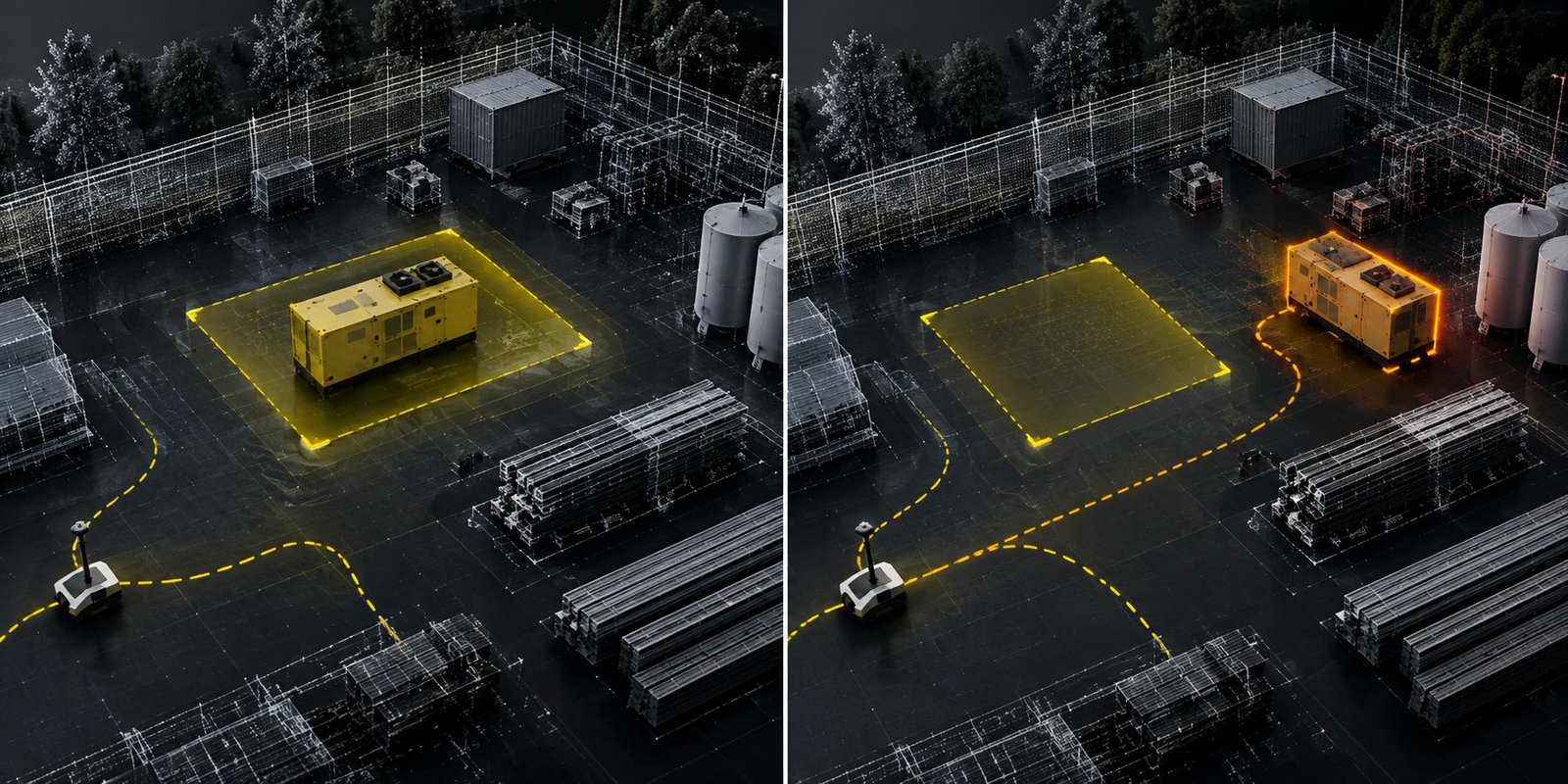
Illustrative visualisation in two panels: a generator inside its expected zone, then the same generator highlighted outside that zone.
Illustrative visualisation

Stage 03 of 04

Define the Checks

Agree reference information and conditions that need attention.
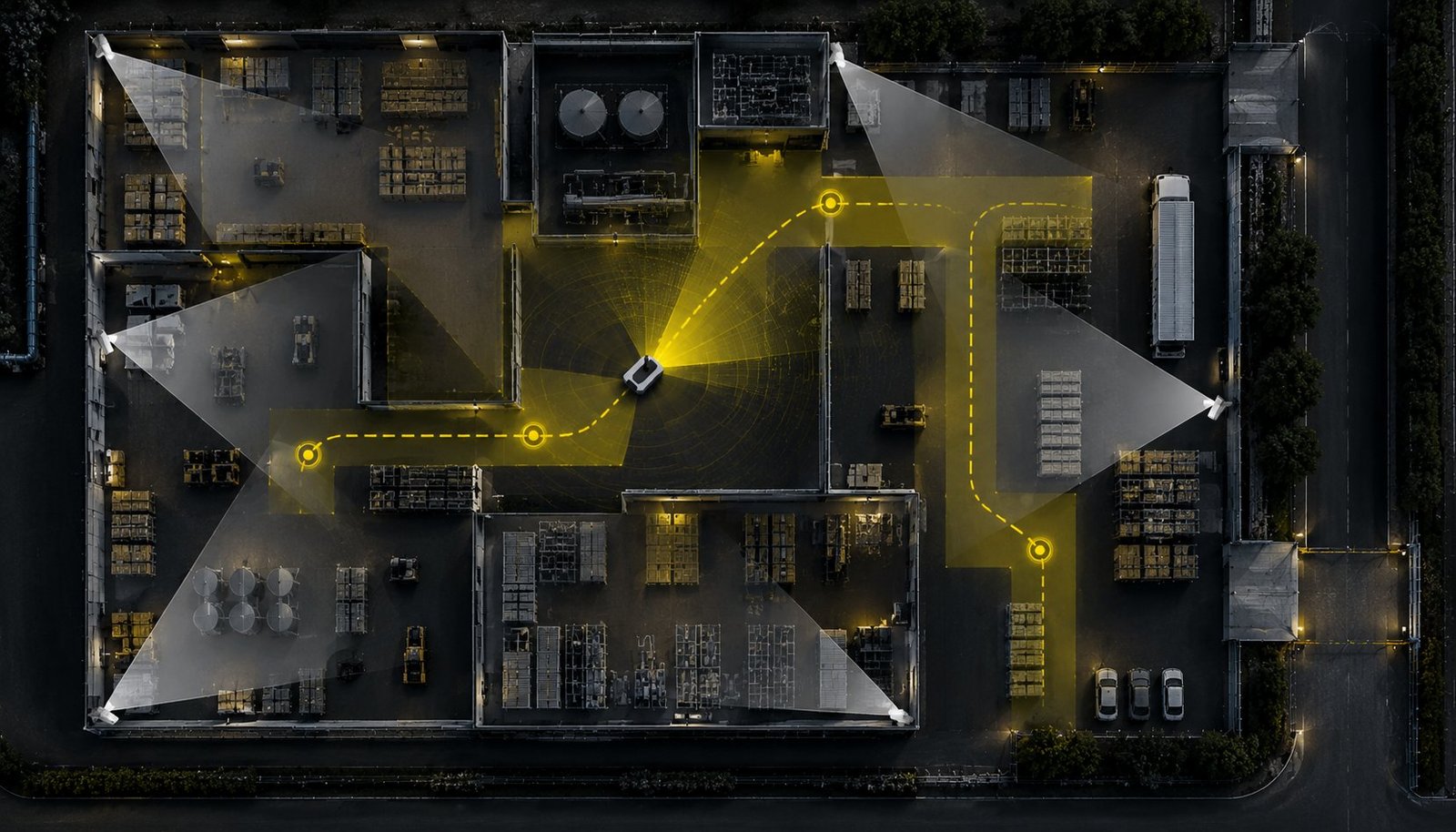
Illustrative visualisation: an aerial plan of a site with the vehicle following a dashed route between inspection points, alongside the fixed views of corner cameras.
Illustrative visualisation

Stage 04 of 04

Execute the Mission

Navigate the route and collect the assigned observations.

Mission configuration

Define what matters at each location

Configure missions around the questions your team needs answered.

Illustrative site map with three inspection points on an approved route: point 1 at equipment, point 2 at a storage area, point 3 at an access gate. 123
Illustrative visualisation. Select a point to see its assigned task.
  1. Assets and infrastructure

    Which equipment or structures need a condition check?

  2. Inventory and capacity

    What is present, where is it located and which spaces are available?

  3. Site conditions

    Which areas, boundaries or access points need observation?

Autonomous execution

Approved routes. Purposeful observations.

The robot navigates agreed routes and collects information at designated inspection points.
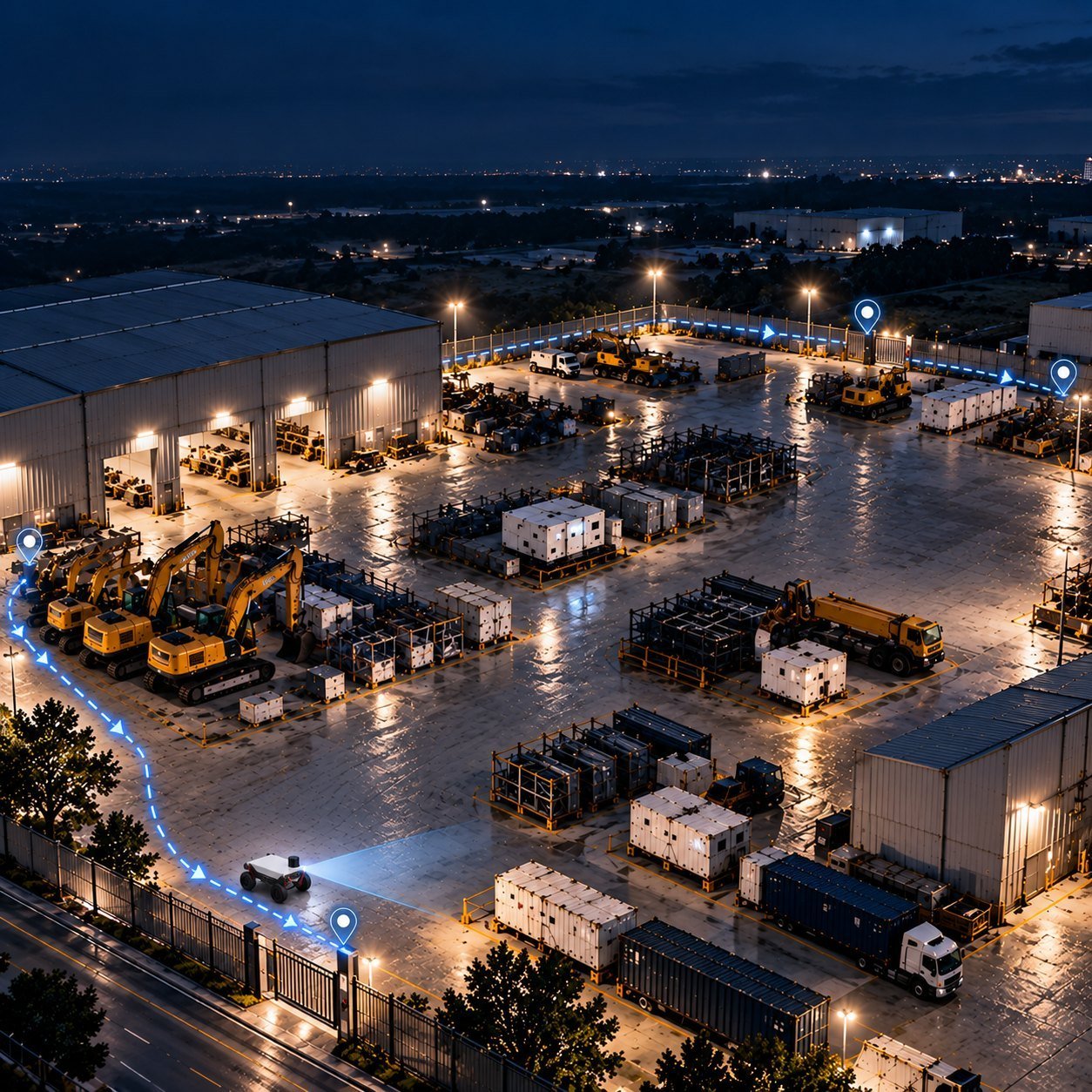
Illustrative scene: an equipment yard at night seen from above, with the SITE Robotics vehicle following a marked route through the yard.
123 Inspection stops on the approved route. Illustrative scene.
  • Autonomous mission execution

    Carry out assigned checks within the defined operating area.

  • Configured sensing

    Collect images, identifiers, counts or measurements according to the task.

  • Consistent observations

    Use defined inspection positions to support comparison between missions.

Site information

Findings with the context your team needs

Bring observations together with their time, location and supporting evidence. Flag suspected changes or discrepancies for verification.

Illustrative site map: an approved route with inspection points. One observed location beside the route is flagged and linked to its finding.
Finding Illustrative example
Suspected change flagged for verification
Time
07:42 Sample
Location
Observed from an inspection point on the approved route
Evidence
Images from this inspection point
Next step
Operator verification
Illustrative visualisation. Not a product screenshot.

Your team retains operational control and response decisions.

Your first task

Which task would you assign first?

Choose a priority asset, route or recurring check. We will define the mission around the information your team needs.

Discuss a Pilot